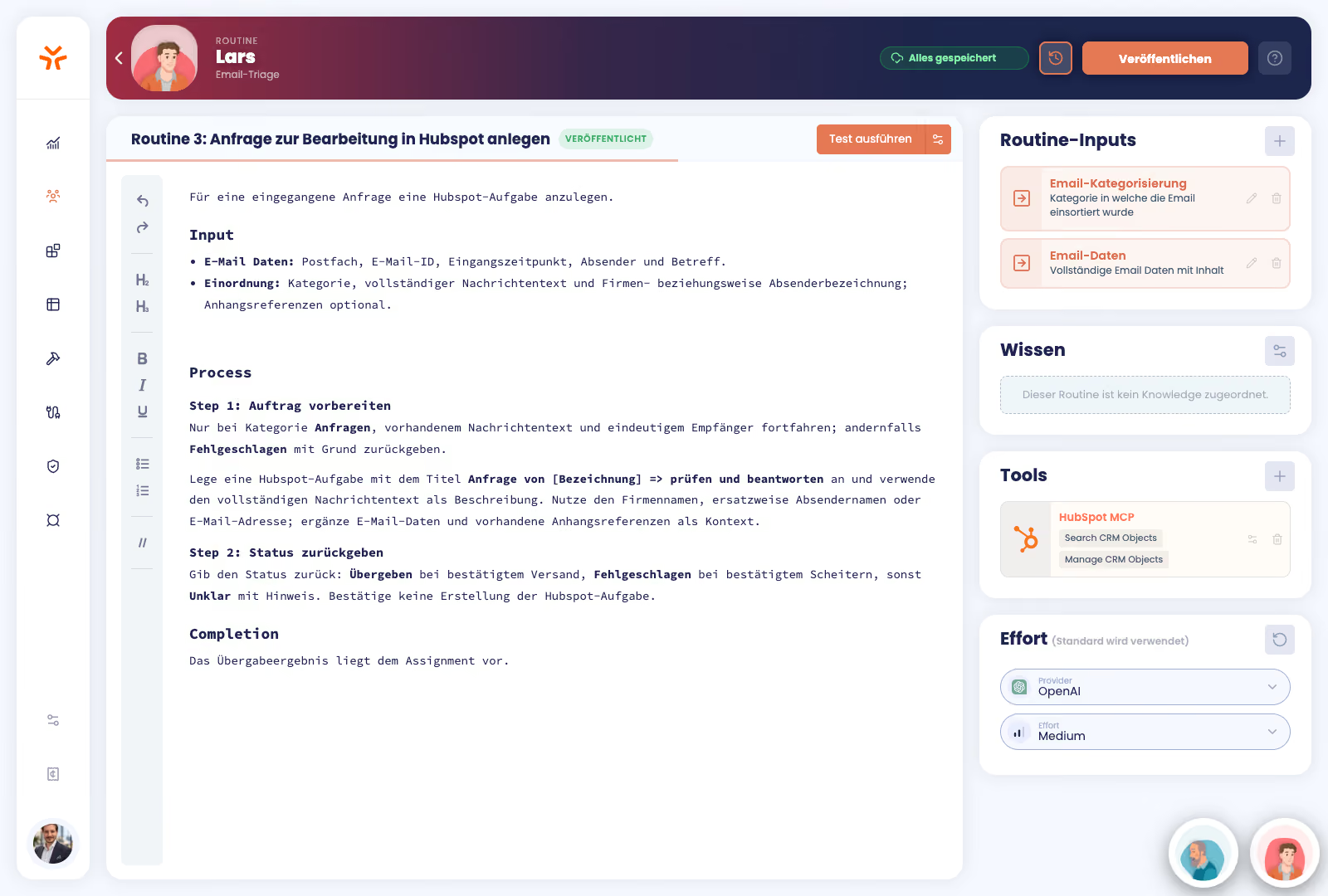
Knowledge & Behavior
Anchor expert knowledge. Precisely control AI behavior.
With SCALAN, departments translate their knowledge and standards into custom AI agents. Functional changes remain within the team, while IT retains control over the technical framework.


Used & loved by leading organizations


.png)




SCALAN pays for itself within just a few days
Our team ensures your investment pays off by launching your first AI agents for meaningful use cases and subsequently training your team to build their own AI agents using SCALAN.
01 / AUTOMATING PROCESSES
Automate processes with ease
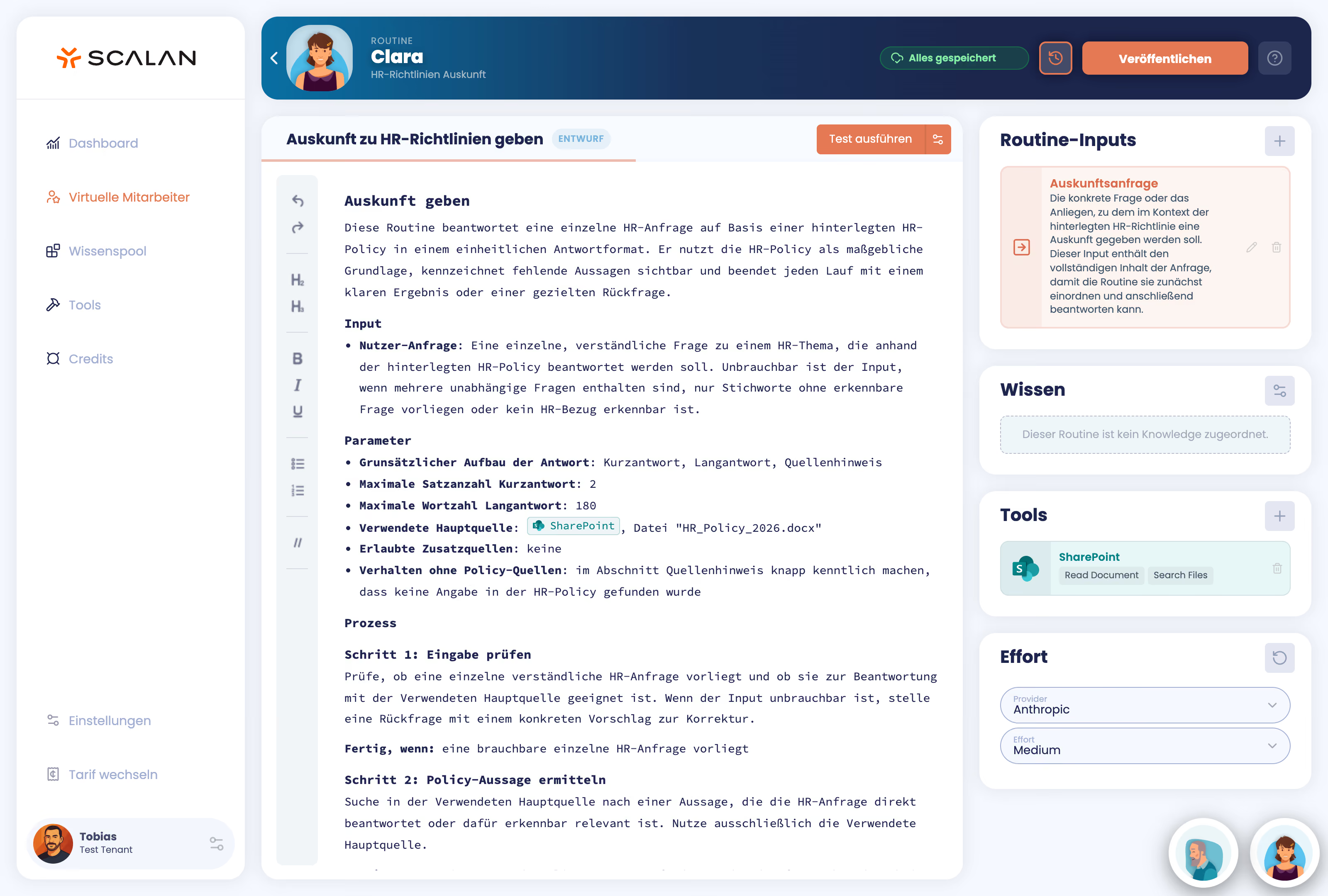
In SCALAN, the textual description of a workflow becomes an instruction for the AI agent. This allows anyone to automate processes without technical expertise and adapt existing AI agents as needed.
.avif)
02/ MANAGING KNOWLEDGE & CONTEXT
Unified knowledge bases.
Centrally managed knowledge modules make expertise reusable. Targeted assignment determines which guidelines and company information an agent uses for its tasks.
AI agents that integrate seamlessly into your existing IT landscape
Hosted in Europe, connected to your existing systems, and accessible across multiple channels. You don't need a new system or an IT project to start saving time and money with AI agents.
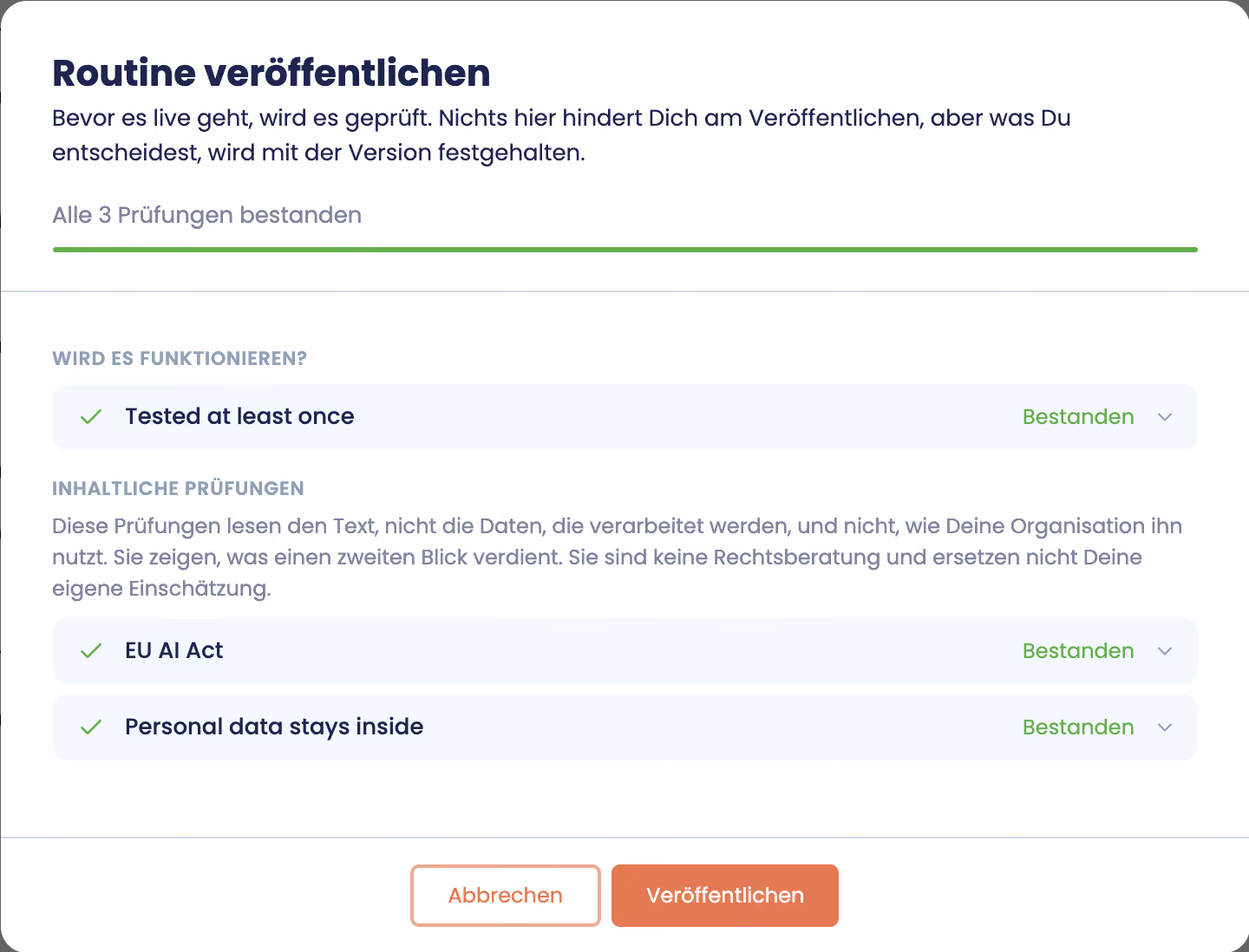
Leading AI models and secure data through EU-based hosting
No vendor lock-in and high data security: We host AI models from leading providers within Europe. GDPR-compliant and with no data usage for training purposes.
Easily connect your current tools and systems
We’ve done the heavy lifting so you don’t have to. Connect the systems and tools you’re already using. If you don’t see a specific integration, our team of experts can connect your on-premise and custom software for you.

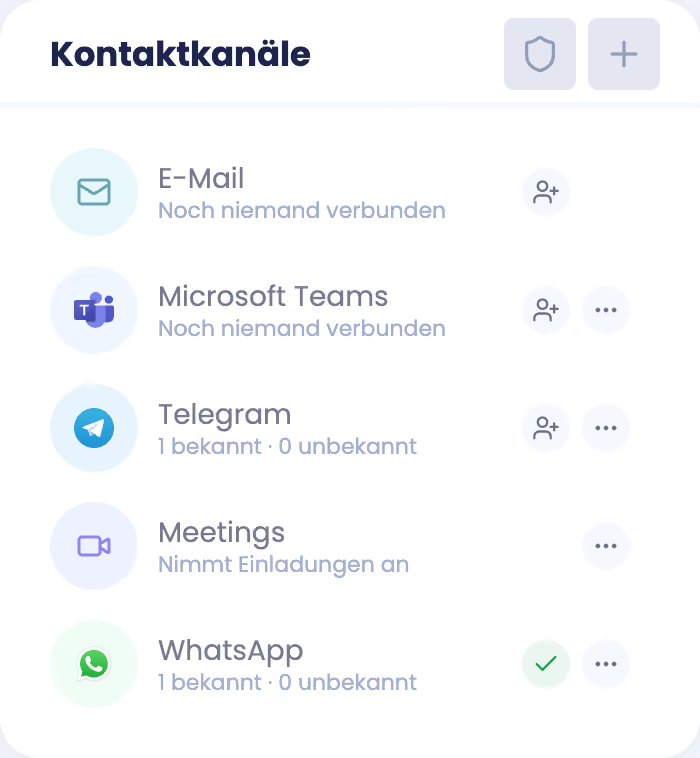
Deploy AI agents across multiple communication channels
Your AI agents are available with their expertise across email, Microsoft Teams, WhatsApp, Slack, and other channels. This allows them to be deployed exactly where they are needed.
Make complex processes simple.
Connect specialized AI agents into a shared workflow. You describe in natural language who takes on which task and how results are passed on—understandable to everyone and easy to adjust.
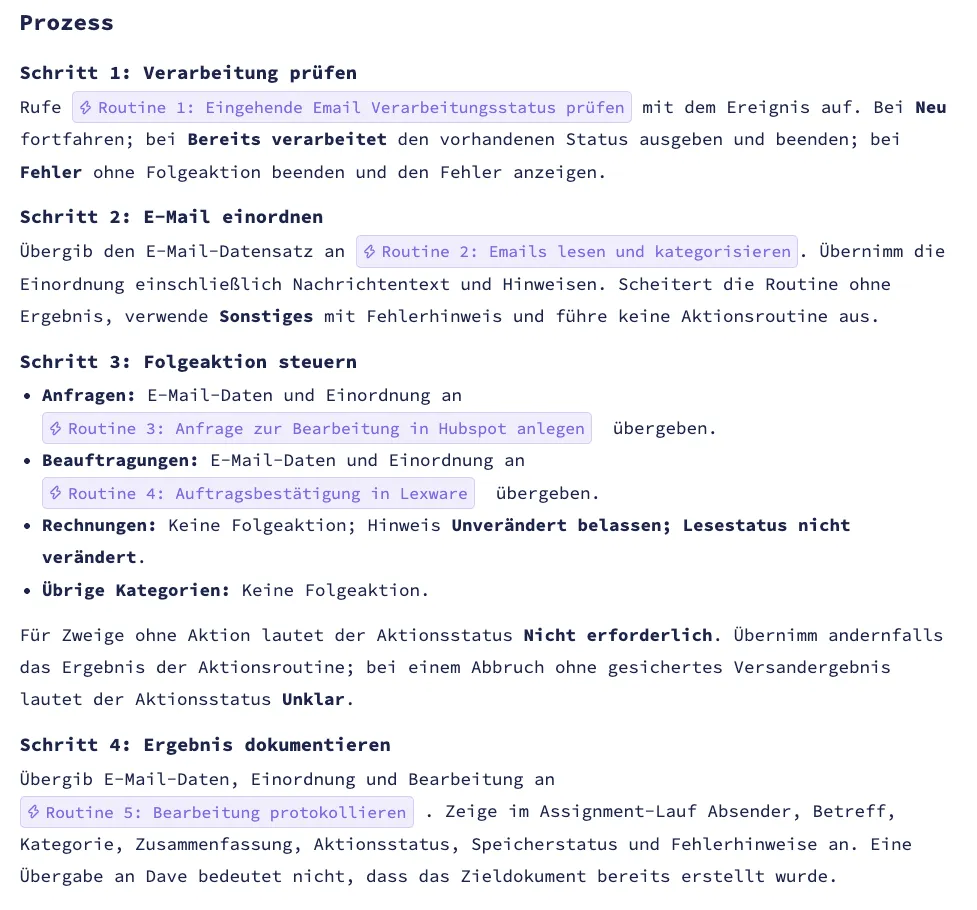
Multiple agents. One shared process.
Specialized AI agents take on different tasks within a workflow. This allows for the division of labor to be mapped even in more complex processes.
Control interaction in natural language.
Multi-agent orchestration in SCALAN is controlled via text. You describe which agent takes on which task, which results are passed on, and how the processing interacts.
Even complex workflows remain easy to maintain.
If responsibilities or process rules change, a user can simply update the description. The collaboration between agents remains transparent and easy to evolve in one central place.
Simple for users. Manageable for IT.
With SCALAN, business departments can deploy their own AI agents into production while IT sets the guardrails. It is easy to set up, centrally manageable, and independent of any single AI provider.
ILLUSTRATIVE EXAMPLE · TECHNICAL CUSTOMER SERVICE According to your specifications
S
Customer Service Email InboxINCOMING EMAIL
In the background, the agent has processed several tasks
Equipment file and contract reconciled · Error history checked · Spare parts inventory checked · Ticket created with photo · Technical and service teams involved.
THE FOUNDATIONS FOR THE AGENT
Expertise and systems work hand in hand.
The agent uses the available context, asks targeted follow-up questions, and hands off pending decisions to the responsible teams.
01
Expertise
Documentation, error codes, and service history help narrow down the issue.
02
System data and access
The service contract and spare parts inventory are being reconciled for the process.
03
Responsibilities
Technical is checking compatibility; service is coordinating the appointment.
The request has been processed, and the customer knows the next step. The team has the full context.

SCALAN is software designed to easily create and securely operate custom AI agents in mid-sized companies and SMEs.